
1
One photo
Point the camera at the plate. You do not have to search a database for every item first.
Features
Take a photo of your plate and Calviora estimates the portion, calories, and macros. It is built for everyday meals, including homemade and South Asian dishes that do not come with a label.
Get started free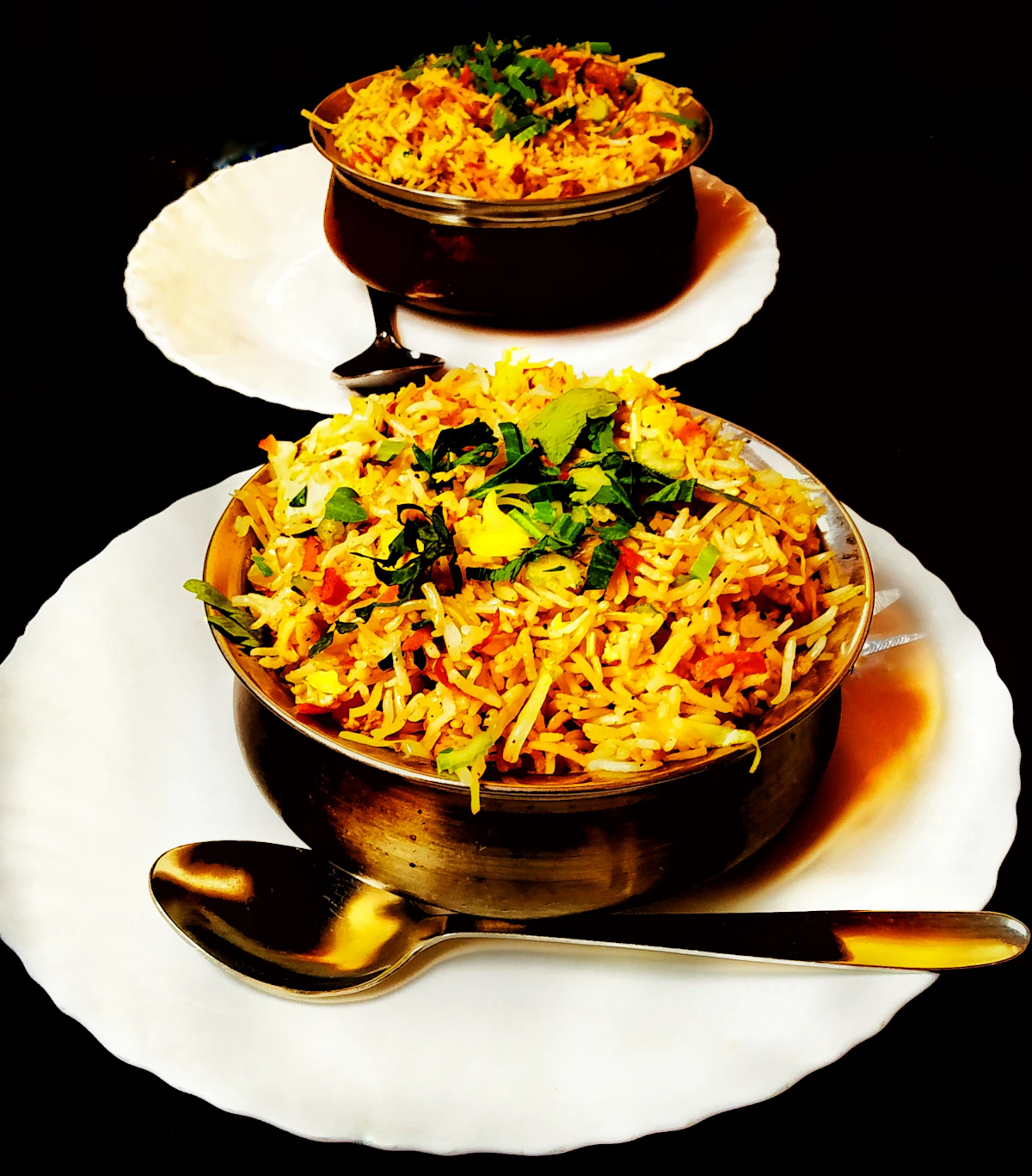
Sample day
Chicken Biryani
540 kcal · Protein 28g · Carbs 62g · Fat 18g
Protein
28g
Carbs
62g
Fat
18g
Photo to numbers
Highlights
Point the camera at the plate. You do not have to search a database for every item first.
The estimate is a starting point. Change the amount if the serving is bigger or smaller than it looks.
Every account can try the scan without a card. Paid plans raise the number of scans.
In the app
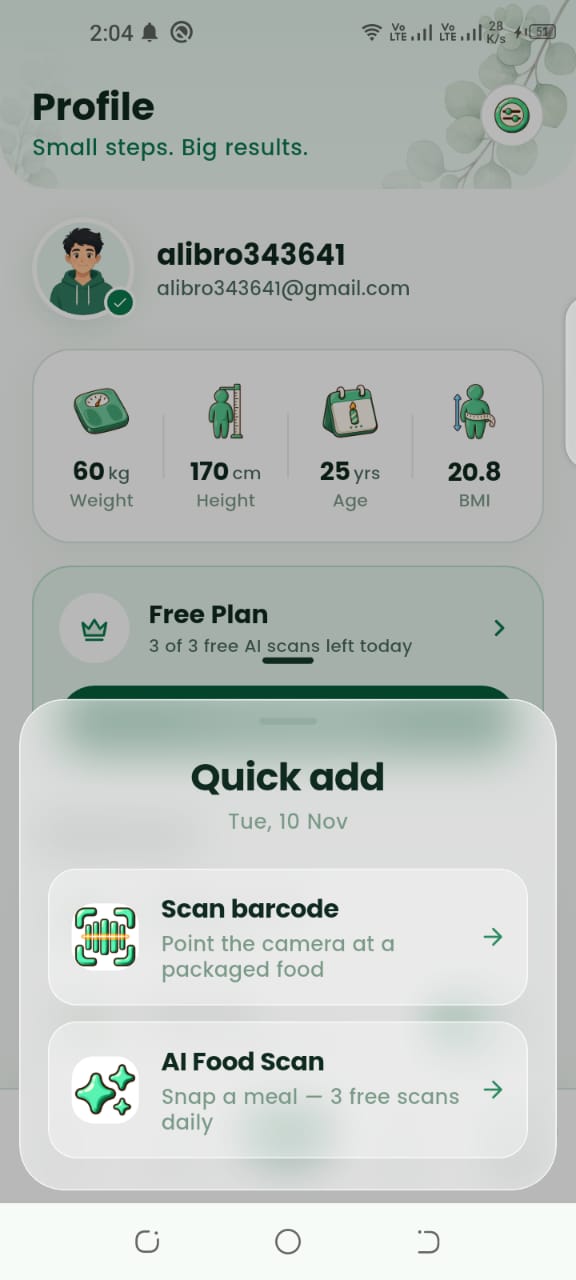
Screens from Calviora for AI Meal Scan.
Guide
Step 1
A meal scan is for the plate in front of you: rice and curry, eggs and toast, a restaurant dish, or leftovers. Calviora reads the photo and returns calories, protein, carbs, and fat for that portion.
Packaged food can still be logged by name. The scan is most useful when the meal was cooked at home and nobody printed the nutrition on the pot.
Step 2
Use a clear photo of the full plate, in normal light, without a heavy filter. If two foods are piled together, the estimate is rougher, so split them in the log when you know the amounts.
Treat the number as an estimate, not a lab test. If you weighed the rice, type the grams. The diary keeps the corrected meal, so the next similar plate is easier to log.
FAQ
No. It is a starting estimate from the photo. If you know the grams, type them. The corrected meal is what the diary keeps.
Download Calviora today and claim your 3 free AI food scans.