
1
Tap to log
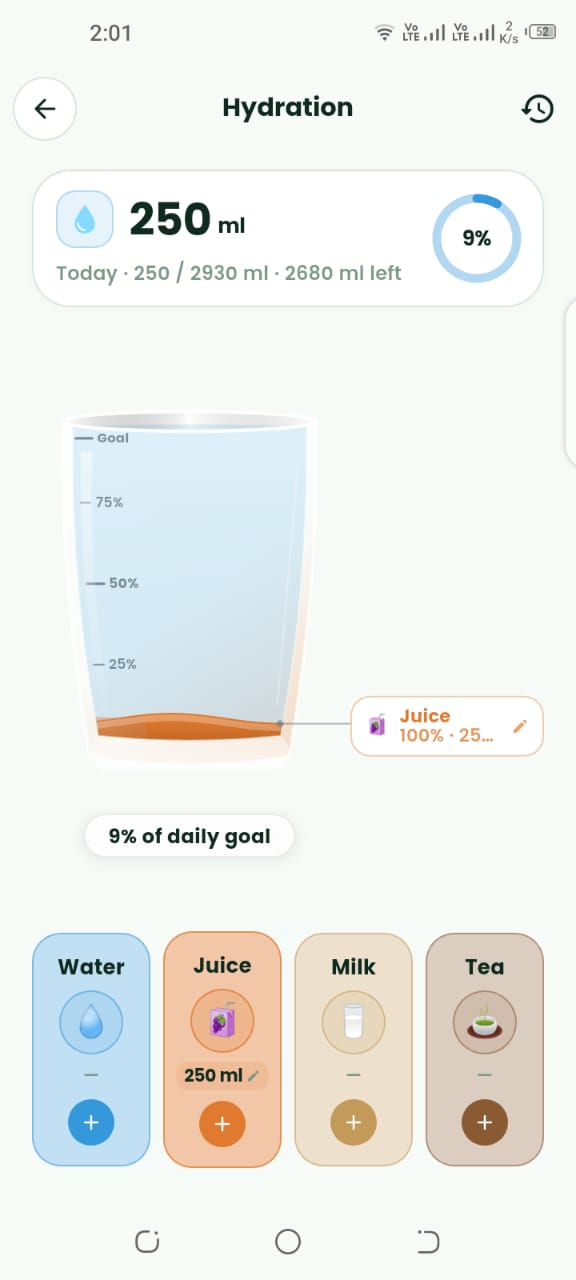
Each glass is one tap. You can see the running total without opening a note.
Features
Tap to add a glass and see how close you are to the amount you set for the day. Hydration stays in the same app as meals, instead of a separate tally on paper.
Get started free
Sample day
Water today
1.8L of a 2.5L example
Water
1.8L
Meals
2 logged
Steps
4,200
Glasses through the day
Highlights
Each glass is one tap. You can see the running total without opening a note.
Set the amount you are aiming for and watch the gap close through the afternoon.
Thirst and hunger get mixed up. Seeing water next to food makes that easier to notice.
In the app
Screens from Calviora for Water Intake Tracker.
Guide
Step 1
A common planning figure is about 35 ml of water per kilogram of body weight. That is a starting line, not a medical prescription. Hot weather, long training, and illness change what you need.
Coffee and tea count as drinks, but the tracker is there so plain water does not get forgotten between meetings and meals.
Step 2
Log the glass when you drink it. A perfect total entered at night does not help you drink the water. A short gap after lunch is the usual place the day falls behind.
Pair the tracker with the meal log. Many people find they snack less when the water goal is visible next to the calorie goal.
FAQ
About 35 ml per kilogram of body weight is a common planning start. Heat, long training, and illness change it. It is not a prescription.
Download Calviora today and claim your 3 free AI food scans.